How to customize a web video player?
Videos are everywhere today, whether you lend up to any shopping websites, blogs, learning platforms and other pages. Using a default video player may not always align with your website's vision. Customising a web video player will help you to stand out among the rest and create a better experience for your users.
In this blog, let us understand how you can simply customize a web video player.
You can customise a web video player on a no-code platform like Sato, mainly by configuring branding, control behaviour and overlays through visual settings instead of writing any code. Video players like Sato lets you customise the player's appearance to match your brand.
Why customize a video player?
Custom video players give your website an edge and increase user retention on your website. It’s extremely beneficial for no-code developers plus any business who want their player to match the aesthetics of their website.
Seamlessly match your brand’s identity
One of the biggest advantages of a custom video player is branding. You can customise:
- Player colours
- Playback progress
- Buttons and icons
- Logo placement and do so much more
This helps in creating a consistent look across your website and strengthens brand recognition. When users see familiar colours and styles, they feel more connected and confident in your brand, making it more reliable.
Improve user engagement
Custom Video Players help in enhancing user engagement. Following points helps in enhancing user engagement:
- Removes third-party recommendation and branding
- Faster loading & adaptive streaming
- Interactive Overlays
These features encourage viewers to take action, whether it’s signing up, buying a product, or watching more videos. This leads to higher engagement and better conversion rates.
Boost your video SEO
A customised video player can also help improve your website’s SEO. On social media platforms, embedded videos always link back to the platform itself. With a custom video player, your video links point to your website, which:
- Improves video visibility in search results
- Increases backlinks to your website
- Supports overall SEO performance
You can also optimise video titles, descriptions and tags to align with your SEO strategy and drive more organic traffic.
Enhance the viewing experience
Free video players often show:
- Unwanted ads
- Competitor recommendations
- External branding
A custom video player removes these distractions. Features like playlists, channels, smart recommendations and autoplay-next help users stay focused and watch more content without interruptions.
What can you customize in a web video player?
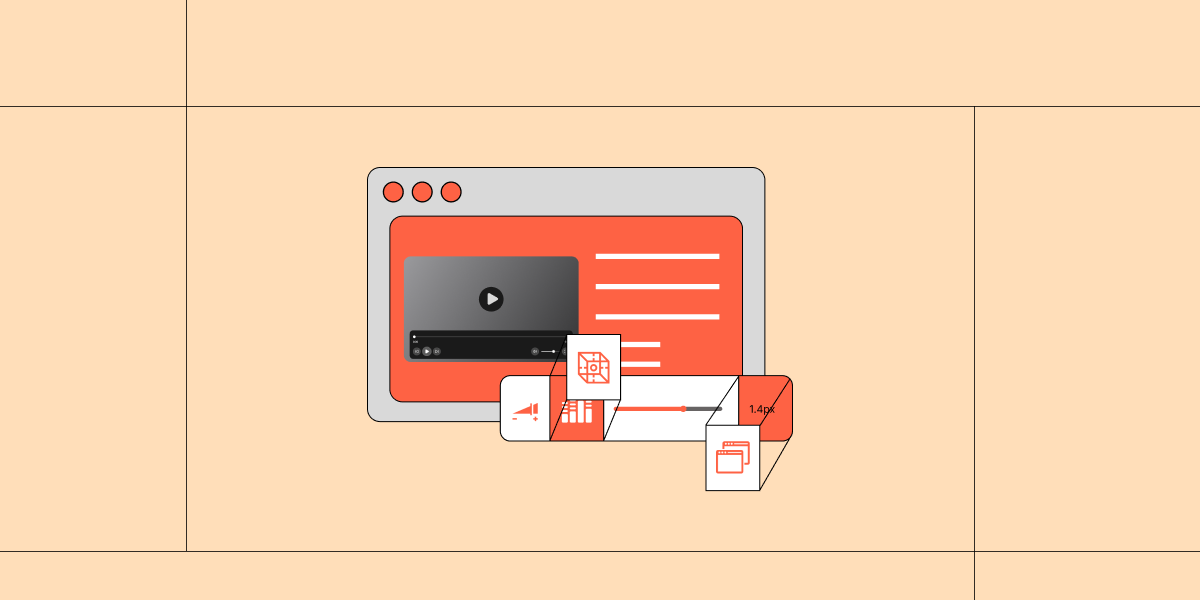
A modern HTML5 video player offers many customisation options, such as:
- Autoplay, loop and preload settings
- Custom controls instead of default browser controls
- Progress bars, subtitles and chapter markers
- Custom icons, colours and logos
- Playback speed and quality controls
- Accessibility features and keyboard shortcuts
- Responsive design for all devices
You can also add animations, transitions and UI effects to create a polished and engaging experience.
Customizing your player with Sato
Sato takes video player customization far beyond basic colors and logos. It focuses on how real users interact with videos and allows businesses to design a player that feels truly personal. With 50+ customization options, Sato lets you control playback behaviour, player styling, branding, on-screen controls, progress bar, volume bars, setting menus and so much more. This means the video player does not feel like something added on from outside but like a part of your website or platform.
What really makes Sato stand out is its ability to design the entire viewing moment, not just the player frame. It provides a distraction-free interface to branded logos, style buttons, metadata and thumbnails for better SEO, Sato helps create a seamless and professional experience by giving full control over how a video looks, feels and behaves.
Thus, Sato improves user satisfaction, keeps viewers engaged and helps businesses deliver videos that truly match their brand and purpose.
Next time, you are looking for an affordable, highly customizable video player, give Sato a try.
You can also know more about creating a customizable video player using Sato in our blog: How to create a customizable video player using Sato